Preview: Lila’s Digital Baby Scrapbook
With geeklette on the way next month, I finally took some time to sit down and get some digital scrapbooking done to prepare. Just like when we were expecting Liam, I created roughly 44 digital scrapbook pages from scratch. I created the pages one-at-a-time in Photoshop so that I could make them full 12″ x 12″ PNG Quick Pages to use within My Memories Suite. I’m really proud of how the pages turned out! If you compare to Liam’s baby book digital scrapbook, you can see that I modeled many of the pages for Lila’s book after his pages, but using different papers and embellishments. I also set up her month-by-month first year baby book in My Memories Suite as well, and this is also basically a copy of Liam’s first year book (one page a month for monthly milestone updates) with a few tweaks to make it personalized to her. I cannot wait to start filling pages with beautiful baby girl photos come February!
Lila’s Baby Book Digital Scrapbook Preview
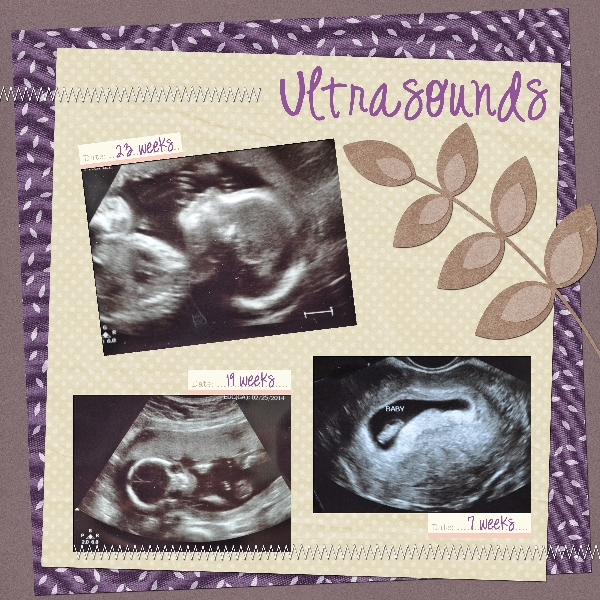
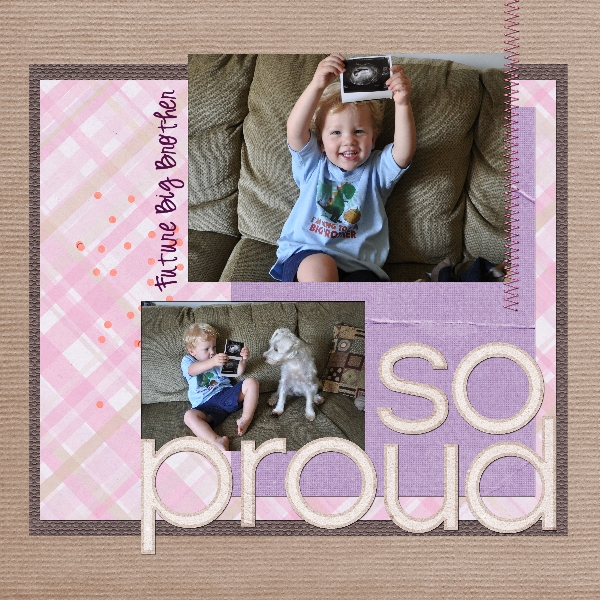
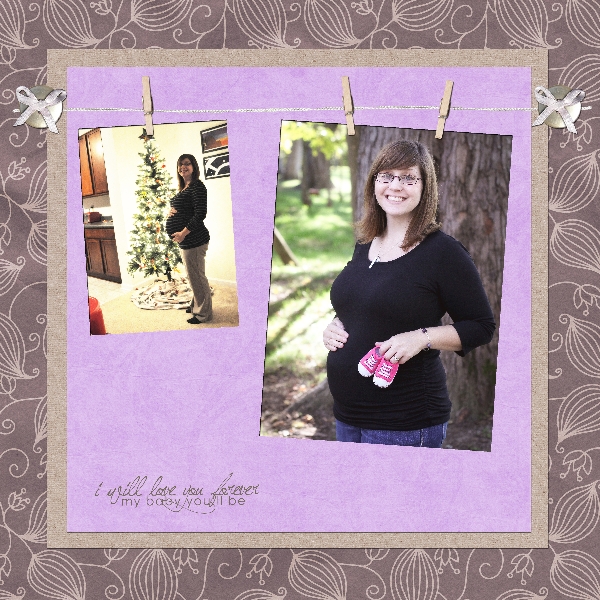
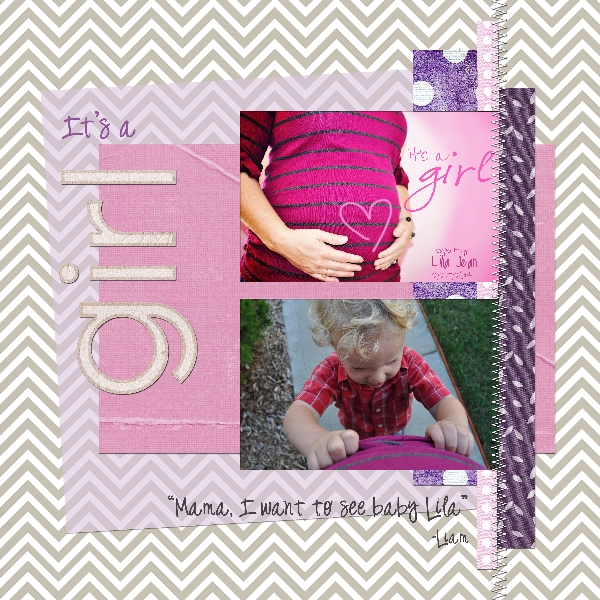
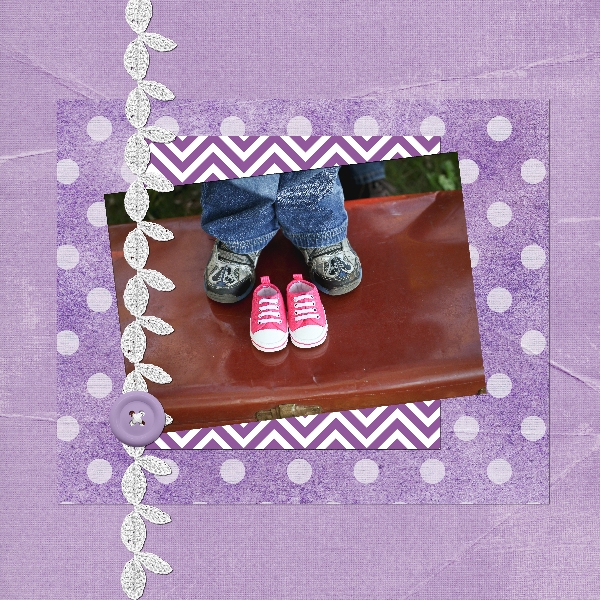
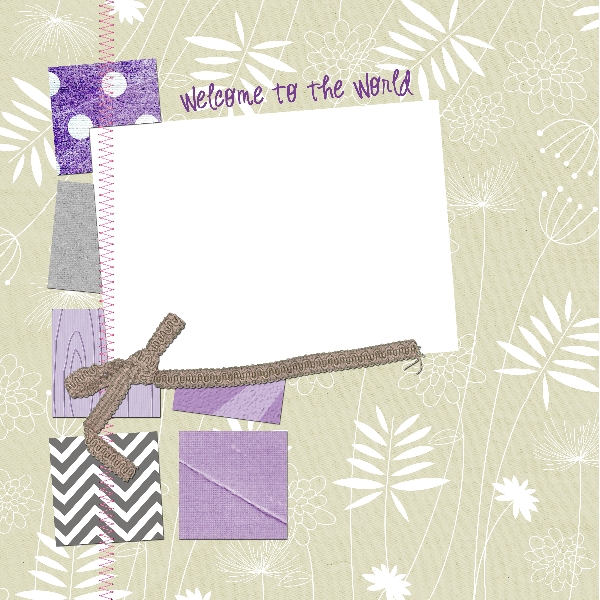
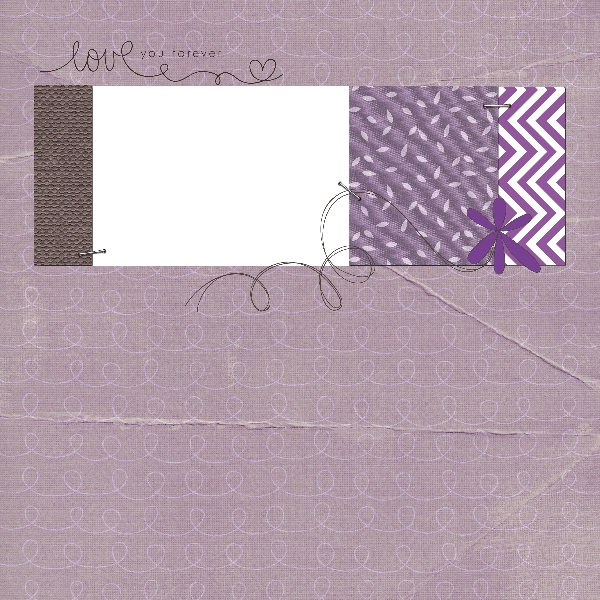
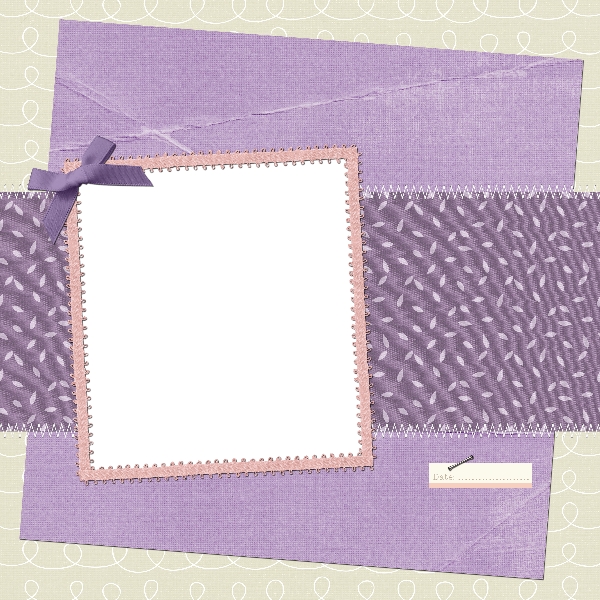
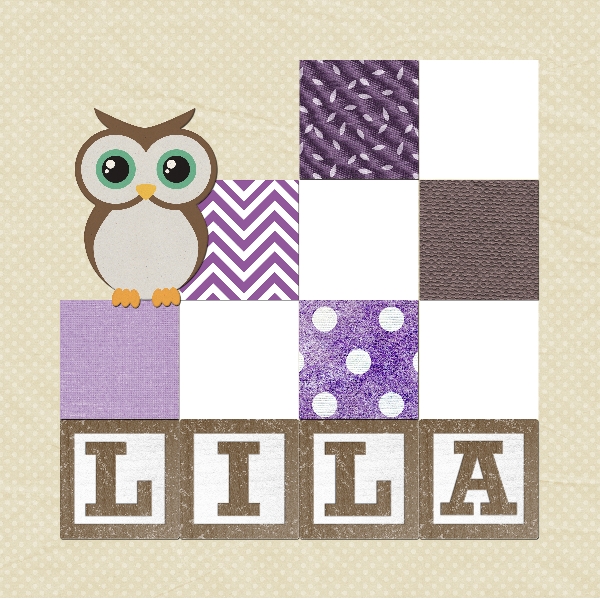




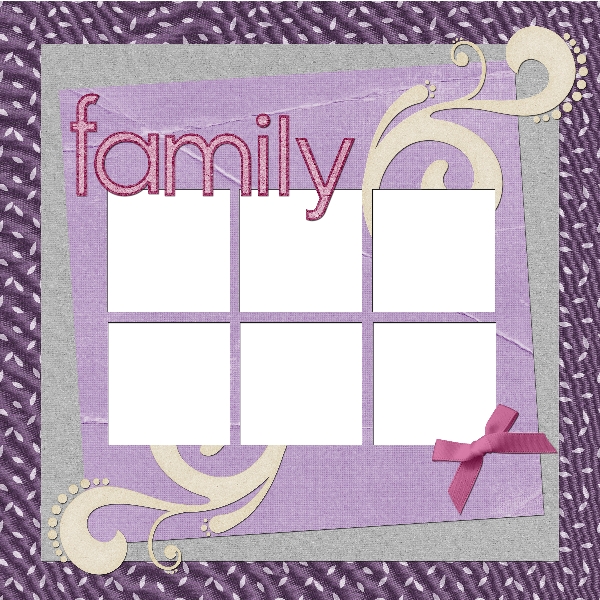
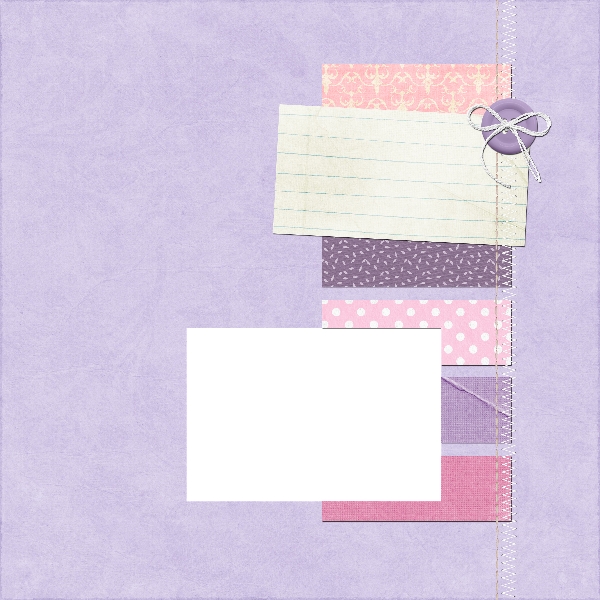
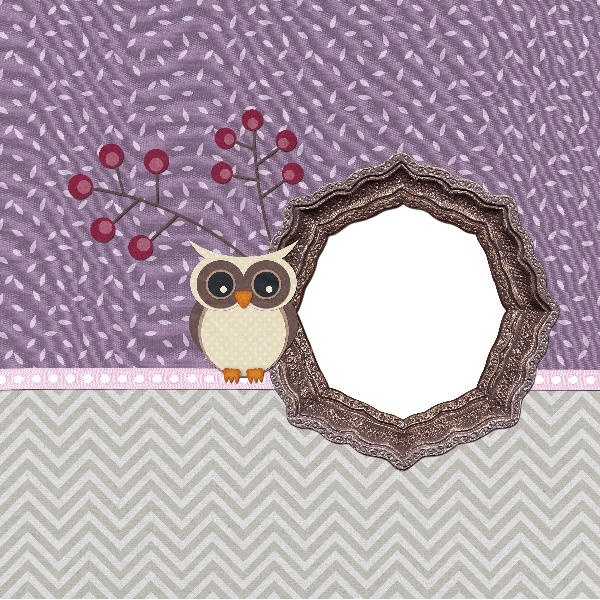
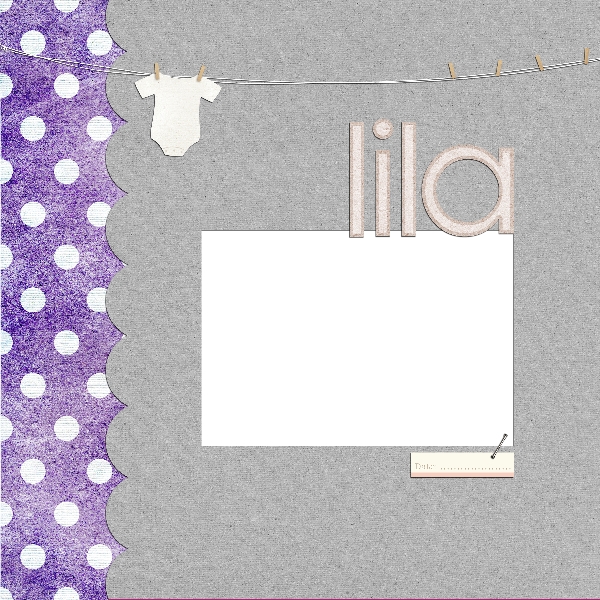
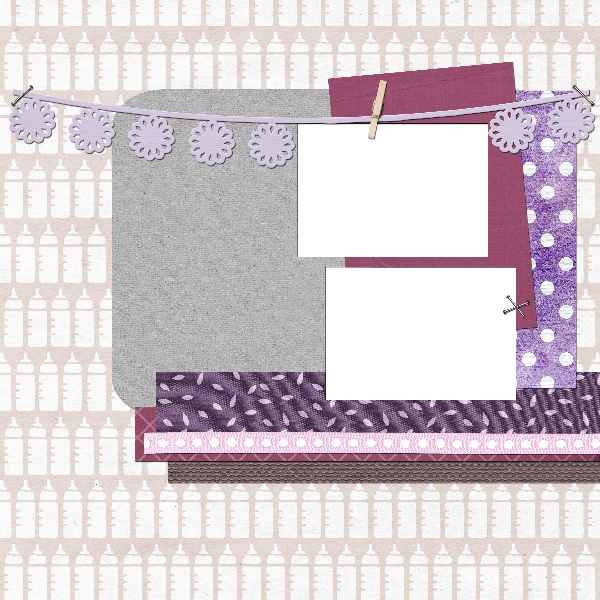
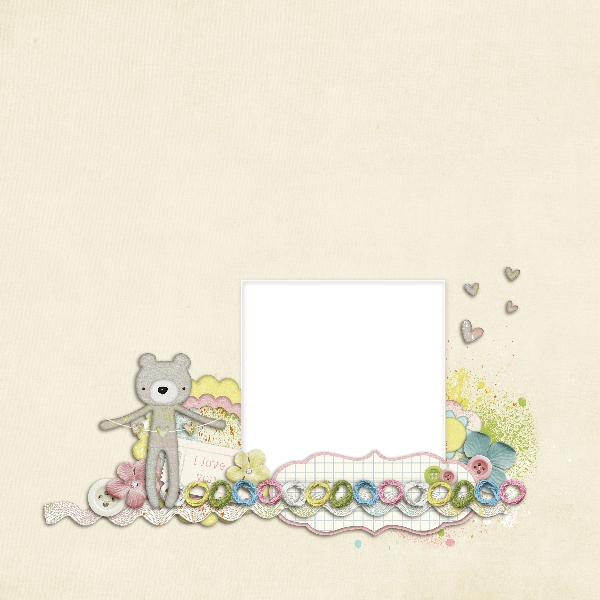
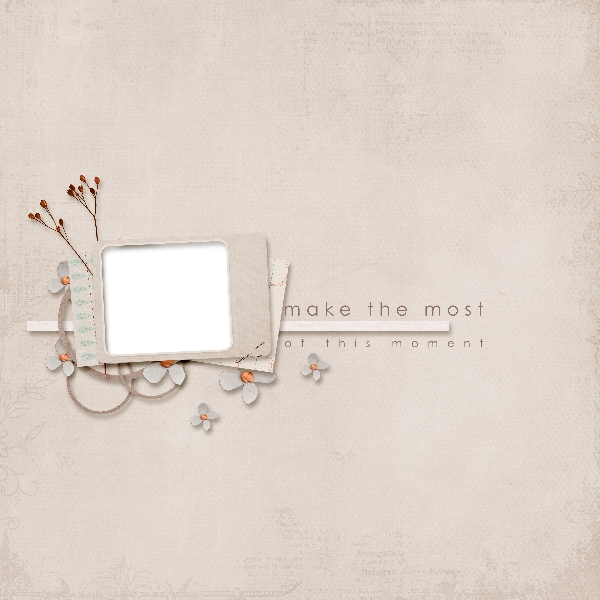

Though My Memories Suite is on version 5 now, my old video tutorial back from version 1 about using Quick Pages in My Memories Suite still applies – I insert my Quick Page PNG files onto a blank MMS page as an embellishment. It’s important to use PNG files, because they have transparent openings for your photos to show through. After you add the Quick Page PNG file as a full-page embellishment, you add photo boxes via the software on top of the photo openings, add a photo, and then send the photo behind the page embellishment so that they peek through and look fabulous.
Looking for the best digital scrapbooking software ever? I can offer you a discount on purchasing My Memories Suite if you use promo code STMMMS21122 when checking out! I love that I can use all of the pre-built layouts, embellishments, pages, and papers that come with the software, or add my own external stuff… because there are tons of sites out there that sell their own digital scrapbooking kits that you can use within My Memories Suite seamlessly. Want the full scoop? Check out my review here.
Get My Memories Suite v4 FREE this week – no trick, just a treat!
 I know it’s been awhile since I’ve blogged about all of the craftiness going on in my life, but trust me when I say I’ve been busy! My small, handmade geeky soap business, GEEKSOAP, is busier than ever, and most of my free time is spent working on orders and designing fun, new soaps.
Mat Leave soon, plus LOADS of Digi Scrapping
 My “mat leave” from my stores, GEEKSOAP and The Pink Toque, begins soon! This is the last week to place orders from either shop – my leave begins on Monday, June 20 and will run until August 1, 2011 as my husband and I welcome our first child into the world. Need more info? Check out my previous post: Baby (Almost) On Board: What This Means for Business!
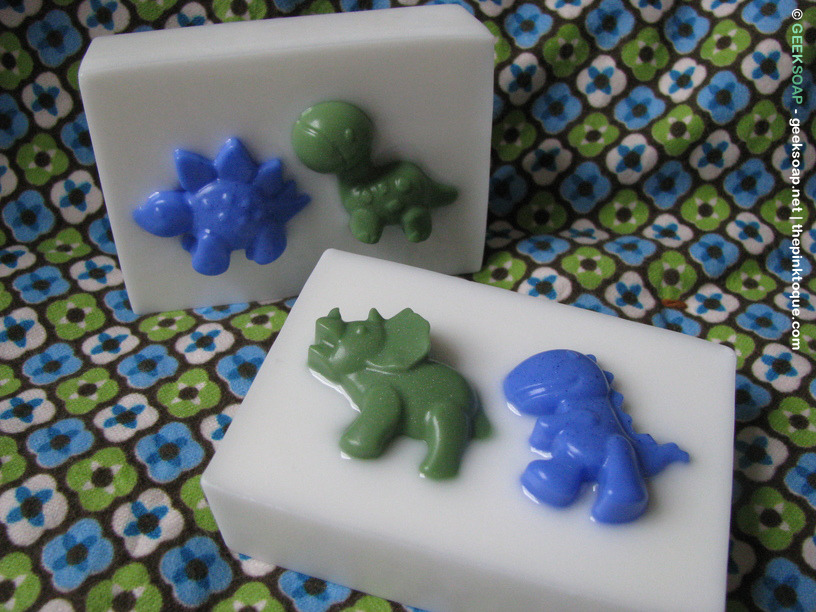
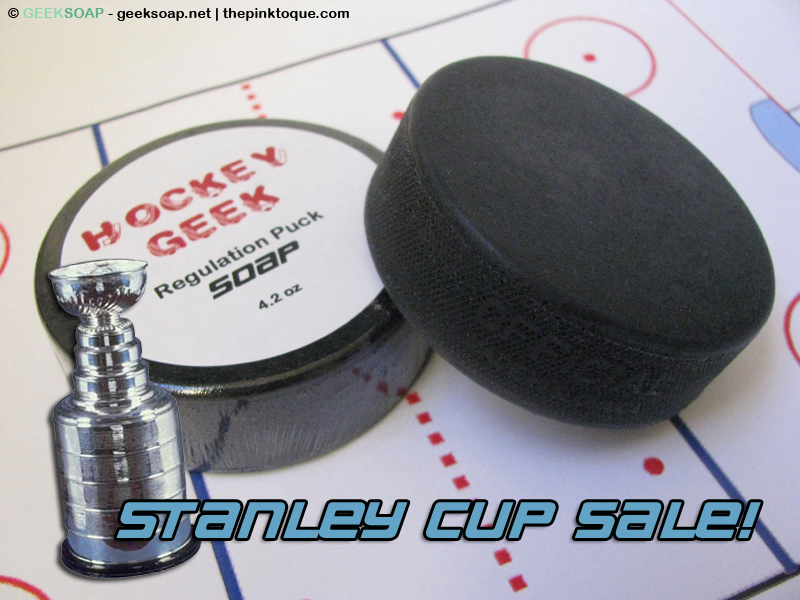
That being said, I have a few excellent recommendations from the GEEKSOAP shop this week, especially timed well with the Stanley Cup playoff finals (Game 7 is tonight!!) – my Hockey Geek regulation puck soap is on sale! You may also want to pick up some powdery fresh Dinosaurs on Parade soap while you’re browsing my On Sale products. Because not much is cooler than hockey and dinosaurs. Really.
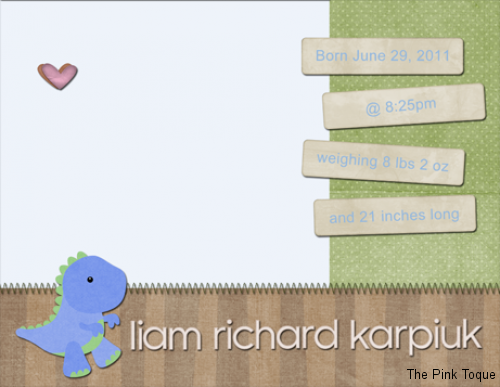
Last Thursday I was given a medical recommendation to stop work a week early, so I went on maternity leave from my job a little earlier than planned. This week I’ve been trying to relax and keep my feet up, but it’s hard because I don’t just sit around doing nothing very well. I decided a good project would be to get a jump start on my digital scrapbooking; it’s been awhile since I’ve sat down and designed pages, but with the geekling nearly here I wanted to whip up some fresh QPs for my son’s baby book. It didn’t stop there, though. I also created some brag book pages so that my mom will have something she can take to show off at work right away, and then I made some birth announcements, which are now just waiting for my newborn’s little face and the typical birth details like date, time, weight, and length to get dropped in so that all I have to do is send them off to get printed.
In addition to designing a typical baby book, grandma brag book, and birth announcements for my son, I had this brilliant idea to also create a “Baby’s First Year” book, which consists of a single page for each of Liam’s first 12 months of life with space for a picture and journaling. I imagine it being a way to document each month via pictures and tidbits of text, since he will grow tremendously that first year. When my nephew was born, I was amazed at how different he looked (and how his personality developed) every time I saw him; they grow and change so much so very quickly as they’re turning into their own little person during the first year. I want to be sure to capture that somehow with my son, and while a baby book is going to focus on his birth and traditional baby stuff, I see the Baby’s First Year book being a consistent documentation of all of the exciting changes we’re going to experience over the first year… from looks to personality to those all important “firsts.”
As a lot of you know, I am a huge fan of the best digital scrapbooking software in all the world, My Memories Suite. I’ve been using it since Christmas 2007, and it has only gotten better and better over the years. It’s my go-to when it’s time to put together a digital scrapbook masterpiece and print high quality, gorgeous photo books to give to family and friends. I admit, though, that like other designers I create my quick pages (QPs) in software like Photoshop, and then save the PNG file for use as an embellishment QP in My Memories Suite. So this week I’ve spent a lot of time in Photoshop and My Memories Suite getting everything ready to go for my various baby books and announcements. I picked up a great kit called Expecting: A Boy by Sunshine Studio Scraps (Inspired Designs by Crystal Sweeney) and you’ll find it used heavily throughout most of my latest design frenzy.
Want a sneak peek? Sure you do! Here are thumbnails of all of the pages I made for the baby book:
Preview: Baby Book





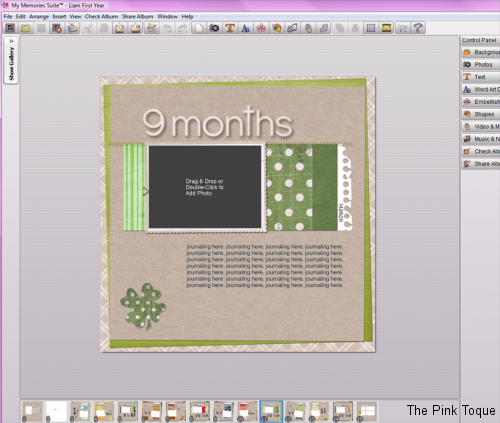
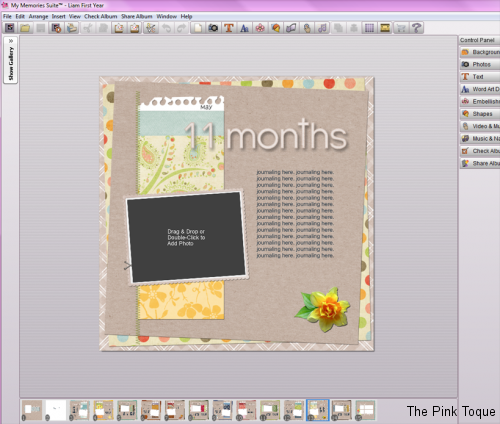
And here are thumbnails of all of the pages for the Baby’s First Year book. You’ll notice that there are three different layouts I used in rotating order repetitively, just changing the textured papers and embellishment used in the design to progress month-appropriately. I wanted this book to be very consistent and not take away from the photos or the journaling so I stuck to a “theme” for continuity and made all of the pages follow a predictable and similar layout but with a slight change in design to represent each month. Some of the thumbnails below show how the page is laid out in MMS, and you’ll see that I have individual wordart headers for “1 month” through “12 months” that I will put at the top of each page, once we know for sure if Liam is born in June or July. You can also see in the MMS pictures where the journaling blocks will go on each page.
Preview: Baby’s First Year

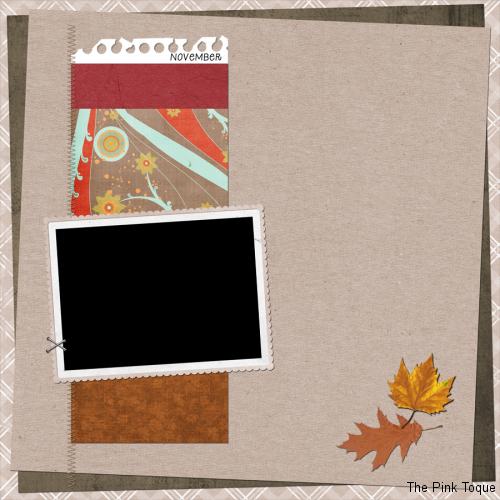
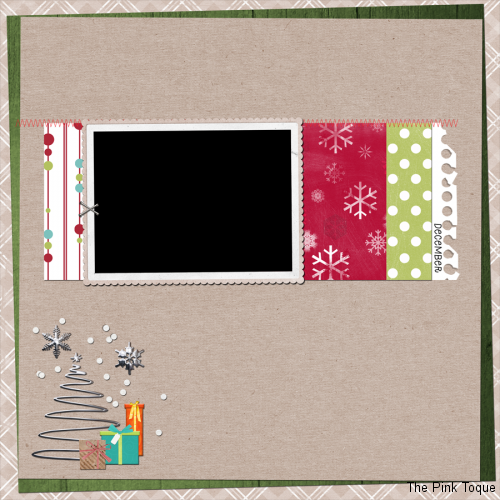
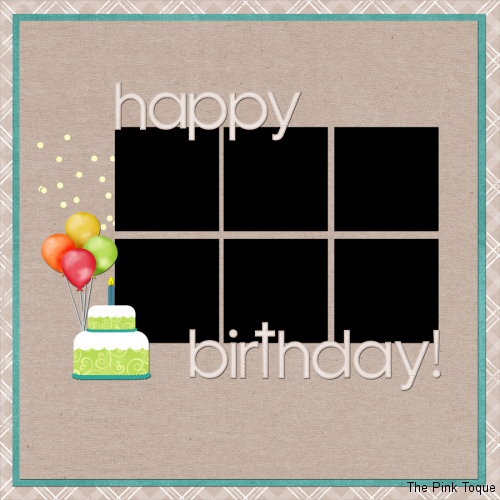
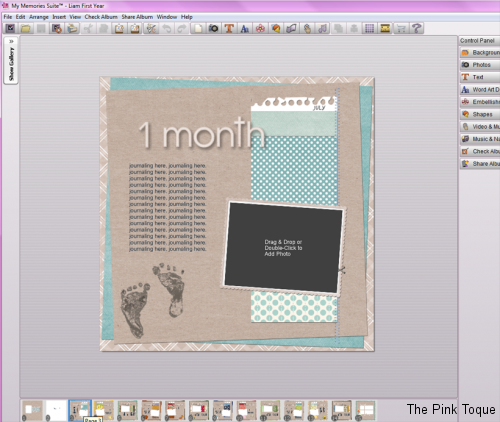
I also designed three announcements – one is a postcard-sized birth announcement to be printed and mailed out to family and friends after Liam arrives, and the other two are full 12″ x 12″ 300 dpi pages that will go into the baby book and the Baby’s First Year book respectively.
Preview: Birth Announcements
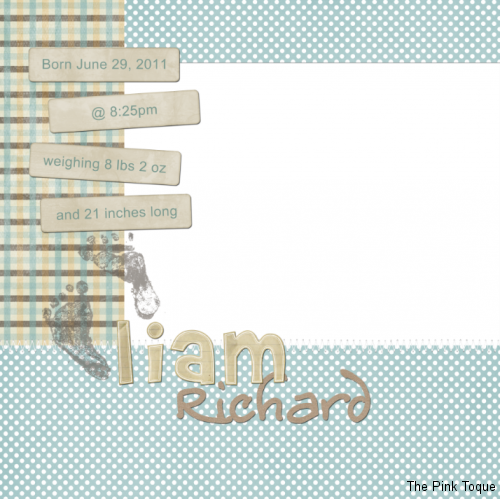
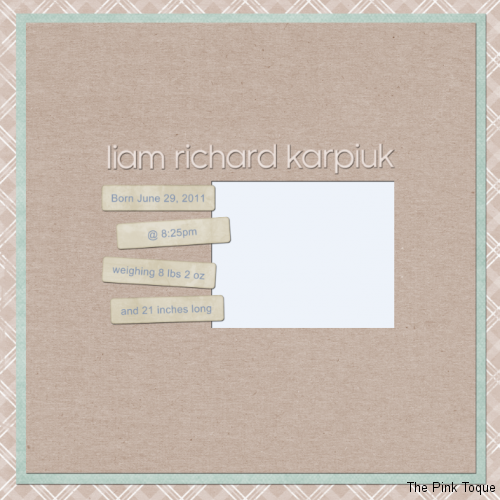
You can be sure that these pages will be a whole lot better once there are adorable geekling photos to fill the blank, framed spaces, but I am really happy that everything is scrapped and ready ahead of the birth for me to just drop in those photos once we take them. I may throw together the full-size/resolution templates for a more generic version of the Baby’s First Year book as a download if anyone is interested in using it for themselves.
Whew! And now… the wait for the geekling’s debut begins… happy scrapping!
Related Links:
Read my review (from 2006) of My Memories Suite here
View all of my digital scrapbook albums here, all made in My Memories Suite
Check out all of my My Memories Suite tutorials here (featured on the official MMS site as well)
Snag some of my digital scrapbooking freebies I’ve made over the years here
Want to Purchase My Memories Suite for yourself at a discount?
With this link you can save $10 off of the My Memories Suite VERSION 2 software PLUS get $10 in free downloads in the MMS store by being a Pink Toque Craft Blog reader! (That’s like $20 free!) Use code STMMMS21122 as your coupon/promo code at the link!
Family Life 2010 Scrapbook Complete
Amongst all of the soap news and designs, you (and I) may have forgotten that I also spend a fair amount of time digital scrapbooking, too! For each of the past 3 years I have created a big, single digital scrapbook that encompasses the entire year in its pages. I’m excited to have finished album #3 this weekend! Family Life 2010 is finally complete. Below are a few example pages, check out the full album on Flickr.
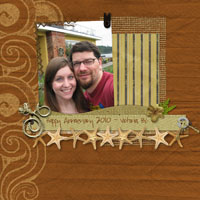

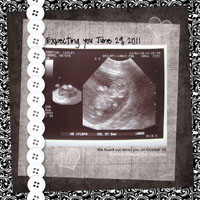
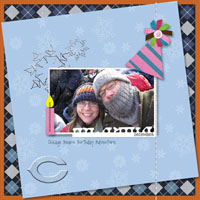
Previous years: Family Life 2009 | Family Life 2008
The Family Life albums are each between 40 and 50 pages of digital scrapbooking goodness, showing off major milestones and events that took place throughout the year. In addition to the Family Life albums, I have also created scrapbooks for other things; my nephew’s first year, my wedding, and other family albums for gifts and in memory sentiments. Not ALL of them are online, but you can find a few other completed albums over on my family Flickr account… such as our Wedding Album, the album I made as a wedding gift for Lucas, and our Christmas 2007 album; my first digital scrapbook ever.
So what on earth do I use to digital scrapbook? For those of you new to my craft blog in the past year or so with the rise of GEEKSOAP fame, you may be wondering. For those of you that have been around for several years, you know how much I am in love with My Memories Suite, the greatest digital scrapbooking software of all time. Literally. As a quick backstory, I learned of My Memories Suite back in 2007; I had moved to Canada and was waiting (patiently) on my immigration status and then finding a job. This meant I was home during the day a lot, and one day in October, I got sucked into an infomercial for this amazing new digital scrapbooking software. I’m normally pretty skeptical of infomercials, but My  Memories Suite looked like the real deal. It just so happened that I had been physically scrapbooking for years prior, and was currently in the middle of scrapbooking my Canadian adventures since moving to the great white north. The problem was that I’d run out of supplies or glue or cute embellishments or paper and just hadn’t gotten around to buying more. I had taken over an entire cabinet of drawers in our basement in Calgary with scraps of papers and various scrapbooking supplies and it was a mess. The idea of digital scrapbooking and using digital products that I could design myself or download from others was intriguing. By the end of the infomercial I had already ordered. The only problem then was that My Memories Suite was new and only available in the U.S. No worries; we were planning to visit my family in Indiana for Christmas. I had My Memories Suite shipped to my parents and patiently awaited for December so that I could get my hands on it.
The rest is history; I fell in love with My Memories Suite at Christmas of 2007 the minute I got my hands on it, and was able to quickly and elegantly scrap our Christmas trip home with family. When we got back to Canada, I got caught up and busy with a teaching job, so MMS took a backseat for a few months. But then I began working on a 2008 Family Life album with the software, determined to leave physical scrapbooking behind from that point forward. The only problem I had was that there wasn’t a lot of info out there on the software; even with the huge wealth of info on the Internet, My Memories Suite was so new of a product that there just wasn’t any good resources out there for it; no tutorials, no tips & tricks, and no additional info on usage. I decided in May of 2008 to write my personal review of the My Memories Suite software after using it for several months, and then I began creating my own My Memories Suite video tutorials on how to get the most out of the software. Over the years, I have made 5 video tutorials for My Memories Suite, which have been recognized by the company itself with great praise. (I even had the president and CEO email me over this past winter holiday as I was putting the finishing touches on a gift album I was making.)
Something interesting to note is how my albums have gotten better over the years. I’ve been using My Memories Suite since December 2007, and every year I use it to scrap my life I get better and better and there’s more and more awesome digital scrapbooking resources out there to use with the software. DigiFree, which I talked about in my review back in 2008, has since moved to Craft Crave, but they are still out there and full of awesome downloadable digital scrapping freebies every day that you can use with My Memories Suite. Not to mention, My Memories Suite itself has designers that create beautiful new kits and templates that you can purchase via the online store. I’ve got a few bookmarked in my wish list until next month when we find out whether we’re having a boy or girl so I can get started working on my baby book.
Speaking of expecting our first child, that’s what’s inspired me lately to get moving on finishing my Family Life 2010 album so that I could begin work on baby stuff. Call it nesting, call it me being organized and/or OCD, but I can’t wait to include the geekling in our Family Life 2011 album and create a separate brag book album for my family to celebrate the birth of our first child. I’ve fallen in love with dinosaurs as a “theme” (boy or girl!) and found some really fantastic scrap kits out there last night that I purchased to use with My Memories Suite. I can’t wait to start working on those layouts!
Interested in My Memories Suite? Read my review and then go and purchase it – due to my affiliation and recognition from the company for my tutorials (and I literally help a handful of people daily via email with MMS questions!), I’ve been given the ability to offer a discount if you are interested in purchasing the software! What are you waiting for? Time to get scrapping!
Get 10% Off My Memories Suite Software
 You all know how much I love My Memories Suite digital scrapbooking software. (Read my review here!) Recently I blogged about the fantastic new Version 2 that has been released, and now I’m proud to share a discount with you so that you can get your hands on the newest version of My Memories Suite a little more easily.
Readers of the Pink Toque Craft Blog can receive a 10% discount off of the very popular (and fabulous) Version 2 of My Memories Suite software just by clicking here!
Remember that Version 2 of MMS comes with 1500 new background papers, 1300 new embellishments and 20 new layouts. Not to mention all of the awesome new features such as zooming in, WordArt Creator, being able to click and manually rotate your embellishments and photos right on the page, having text follow a shape, and so much more! Be sure to check out all of the great new features of Version 2 that I blogged about a few months back (which includes a video walkthrough!). You’re going to love the facelift that My Memories Suite received with V2!
If you’ve been holding back and waiting for a rainy day to purchase My Memories Suite Version 2, now is definitely the time to pick it up at a discount. :) And don’t forget… I’ve created 5 tutorials for My Memories Suite (including the latest one that showcases the new additions with V2) available to help you get started, and I’m always available to answer any questions you have along the way. So what are you waiting for?

Free Knitting Pattern: Cousteau Cowl
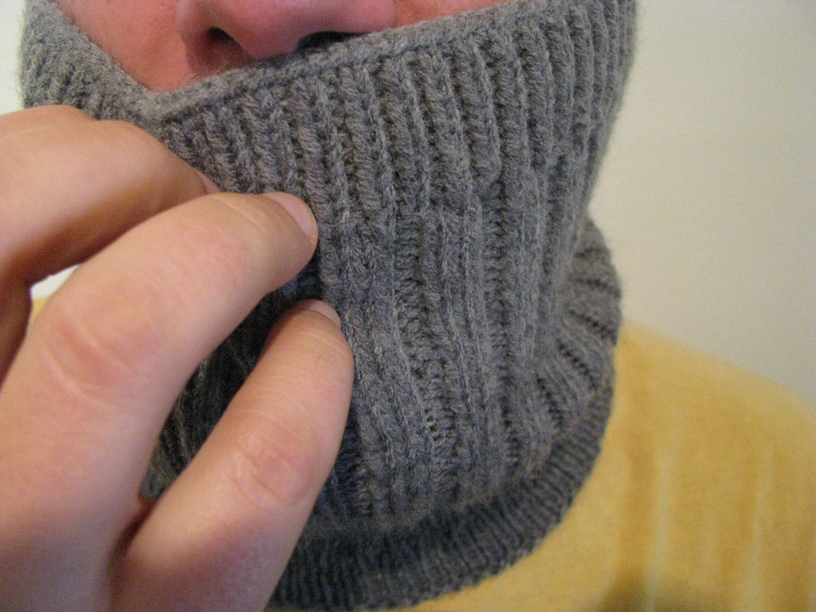 It has been a busy week in the Karpiuk household – Lucas finally arrived home from Montreal where he attended his U.S. immigration interview, and the good news is that he is officially a U.S. Permanent Resident now. The bad news is… well, there is no bad news. It’s all good! So we’re excited to have him home finally and for this big immigration process to be behind us. While he was gone, I decided to knit something for him because it helped to pass the time. For Christmas I had knit Lucas the Jacques Cousteau Hat pattern by Typy [On Ravelry], and after seeing how much he enjoyed the idea of my cowl, I thought I’d try to fashion a matching cowl that would look good with his toque so that he could have a matching set, too.
And that’s where the free pattern comes in. I used the same flavor of basic ribbing to create a cowl that has the same look and feel to it and wrote down my notes so I could share it with others in case they wanted to knit up a matching masterpiece to their Cousteau Hat. I must say, the combination is very fetching, don’t you think? The boys and I presented it to Lucas when he got home on Tuesday and he loved it.
What You’ll Need
US size 4, 16″ circular needles or DPNs for working in the round
1 skein of worsted weight yarn (approximately 145 yards), I used Michaels Loops & Threads Impeccable brand in the color True Gray
stitch marker
tapestry needle for finishing
Download my free Cousteau Cowl pattern below on Ravelry!
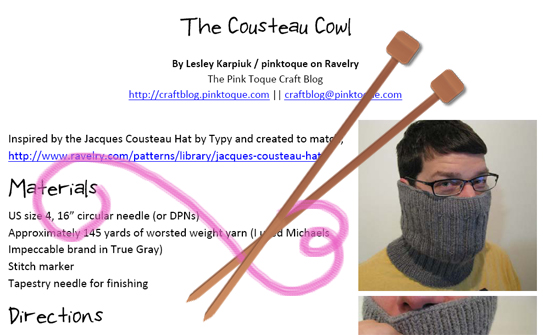
I hope you enjoy the simple and free Cousteau Cowl :) Thanks for stopping by, and happy knitting!
My Memories Suite Tutorial 5: Version 2 Features
 Happy Sunday, and have I got a treat for you… introducing My Memories Suite VERSION 2! That’s right, you heard me correctly. Not only is there a new version to My Memories Suite with all new features, I created a video tutorial to explain it all and show those new features off!
Last month, StoryRock unveiled an all new version 2 of its famous and very popular digital scrapbooking software, My Memories Suite. Version 2 is packed with all new goodies and awesome new features that we were dying for in Version 1. It’s like StoryRock read all of the feedback of features and ideas that its users over the years have been wanting out of the software and put it in one neat little package that will make digital scrapbookers the world over very happy.
If you’ve been to the Pink Toque Craft Blog before, you know I am an avid user of My Memories Suite. I got the software over 3 years ago when it first came out, and I have been in love ever since. I don’t want to babble on forever (because the new Version 2 goodies are exciting!) but if this is your first visit to my blog and you’re wondering what all of the excitement is about and why I love this software so much, be sure to go and read my review. My Memories Suite has been the best digital scrapbooking program to ever come along and with Version 2, it just got better.
Version 2 includes 1500 new background papers, 1300 new embellishments and 20 new layouts that come built into the software for your use right out of the box. On top of that, new features such as the zoom ability, Resource Gallery, and WordArt Designer make creating beautiful digital scrapbooking pages even easier. My favorite new feature is that your text can now be curved and follow shapes. This was not something you could do in Version 1, and I love that I can create text in beautiful circular shapes or to follow the edges of a photograph right on the page. It was probably the most requested feature and question I got from readers of my blog. Before I had to tell people they could only do something like that in Photoshop, but now My Memories Suite allows you to edit curved and rounded text on the fly right in the program instead. Hooray!
My Memories Suite Tutorial 5: Version 2 Features – Part 1 of 2
Another highly-sought-after feature that a lot of people asked me about was how to view pages side-by-side so they could build double page spread layouts. Unfortunately, this was not something you could do in Version 1, but now in Version 2 it’s easy. You can also now share your digital scrapbook in a wider variety of ways, including trading cards or calendars. They’ve also streamlined the Photobook process to make it easier to create beautiful photobooks of your finished albums. You’ll also love that you can click and rotate your pictures right on the page.
I received Version 2 last month and have been trying hard to squeeze in some digital scrapping time with it so that I could show off the new features here on my blog. I finally got around to it today, and created a new video tutorial that highlights all of the major new features available to you in Version 2. I walk you through the new things and how to use them, and it makes it easy for Version 1 users to pick right up where they left off in the old version, or for new users to My Memories Suite to see just how awesome the software really is so they can get it for themselves.
My Memories Suite Tutorial 5: Version 2 Features – Part 2 of 2
Version 1 users will love that all of the photo albums and pages they’ve created in Version 1 will be converted for them into Version 2 compatibility and that the transition will be seamless. You won’t lose anything and all of your old albums will be right there for you in Version 2, ready to go and waiting for you to use the new tools and features to enhance them even further. When you’re adding embellishments or papers, you’ll be able to easily see what items are new to Version 2, and all of the old embellishments and papers from Version 1 are collected together in a folder labeled as Version 1, so you can quickly find all of your old favorites or check out the new stuff.
Speaking of Favorites, another new feature that I just love is that I can “bookmark” the embellishments and papers that I use most often and mark it as a favorite. This means that it’s added to a special “favorites” folder so I can access those favorite items quickly anytime I want to without having to search for them every time I want to use them on my digital scrapbook page designs. I show how this works in the video tutorial.
The WordArt Designer allows you to create fun and professional looking word art for your pages easily, and is built right in to the side tab of My Memories Suite now. Type in the text you want to create into word art, select the font and sizing, line spacing, colors, fill, stroke, etc. You can add shadows or a bevel and design the perfect word art accompaniment to any page you’re working on. I also demonstrate this in the video tutorial!
I don’t know if you’ve noticed or not, but I’m really excited about the new features in My Memories Suite Version 2! I just recently finished up Family Life 2009 digital scrapbook and am eagerly looking forward to working with all new designs, layouts, and features with Version 2 in 2010. If you want more details about what Version 2 has to offer, check out the info on mymemoriessuite.com. Original users of Version 1 will be able to upgrade for a nominal fee to get all of the new features, papers, embellishments, and layouts that come packaged with Version 2 and brand new My Memories Suite users can get on board and pick up Version 2 for themselves. If you’d like to save a little money on your purchase of My Memories Suite Version 2, be sure to click HERE: readers of the Pink Toque Craft Blog can get $10 off Version 2 PLUS get $10 of free downloads at the online MMS shop! (use promo code STMMMS21122 at the link!)
I’ve spent most of the afternoon recording the latest tutorial and getting it uploaded for viewing. It ended up being 18 minutes long! Since YouTube only allows videos up to 10 minutes each, I split the tutorial into 2 parts:
* My Memories Suite Tutorial 5: Version 2 Features – Part 1 of 2
* My Memories Suite Tutorial 5: Version 2 Features – Part 2 of 2
Enjoy! Be sure to let me know if you have any questions or comments on the new video tutorials or you need help with My Memories Suite Version 2. Hope you’ve had a great weekend :) Happy scrapping!
My Memories Suite Halloween Deal!
Hey readers!
You all know how much I love Polariod’s My Memories Suite digital scrapbooking software. I just wanted to let you know about their great deal for Halloween; check it out!

If you’ve been waiting to purchase My Memories Suite, now is the time to grab it at a fantastic price just in time to scrap those precious Halloween memories. Need some guidance along the way?
- Check out all of the tutorials I’ve created (videos!) on using My Memories Suite along with tips and tricks
- Get even more support from the Facebook Fan Page for My Memories Suite where they share ideas and show off scrapbooking pages and have contests!
Don’t wait! Check out My Memories Suite today; I know you’ll love scrapping memories with it as much as I do :) Happy Halloween!
A Little Scrapbooking
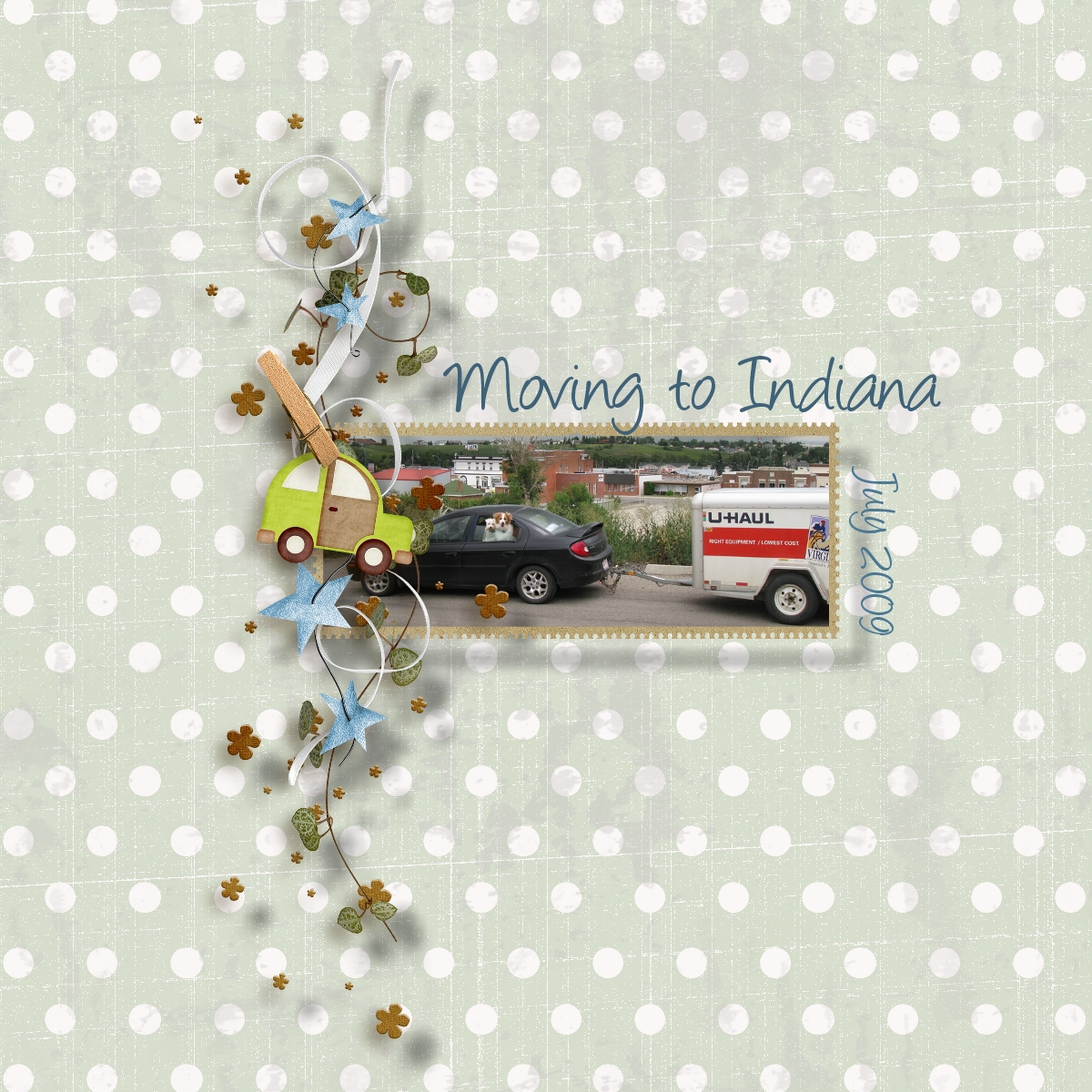
Moving to Indiana
*Gasp* I know, I’m scrapbooking again. Don’t worry — the schnauzer schweater is still a work in progress (and thanks to teaching 2nd grade, it gets forgotten from time to time, ha) and I’ll be knitting some more soon, but I thought a little trip down scrapbook lane would be nice so I could update my Family Life 2009 album a bit.
I gotta admit, I simply used some fabulous quick page designs by other digital scrapbooking artists and inserted my photos for the two latest pages, so I didn’t go overboard, but I did use My Memories Suite to create the pages, which always makes me happy. It’s seriously such fabulous software. Have you read my review of it? It’s been awhile since I’ve trumpeted from the roof tops how much I love this program. Want to know how to use quick page design layouts you download on the web within My Memories Suite? It’s super easy; check out my tutorial… My Memories Suite Tutorial 3: Using Quick Pages. It seriously felt so good to rev up My Memories Suite and add a few more pages tonight. I shouldn’t let it go so long between page creations :)
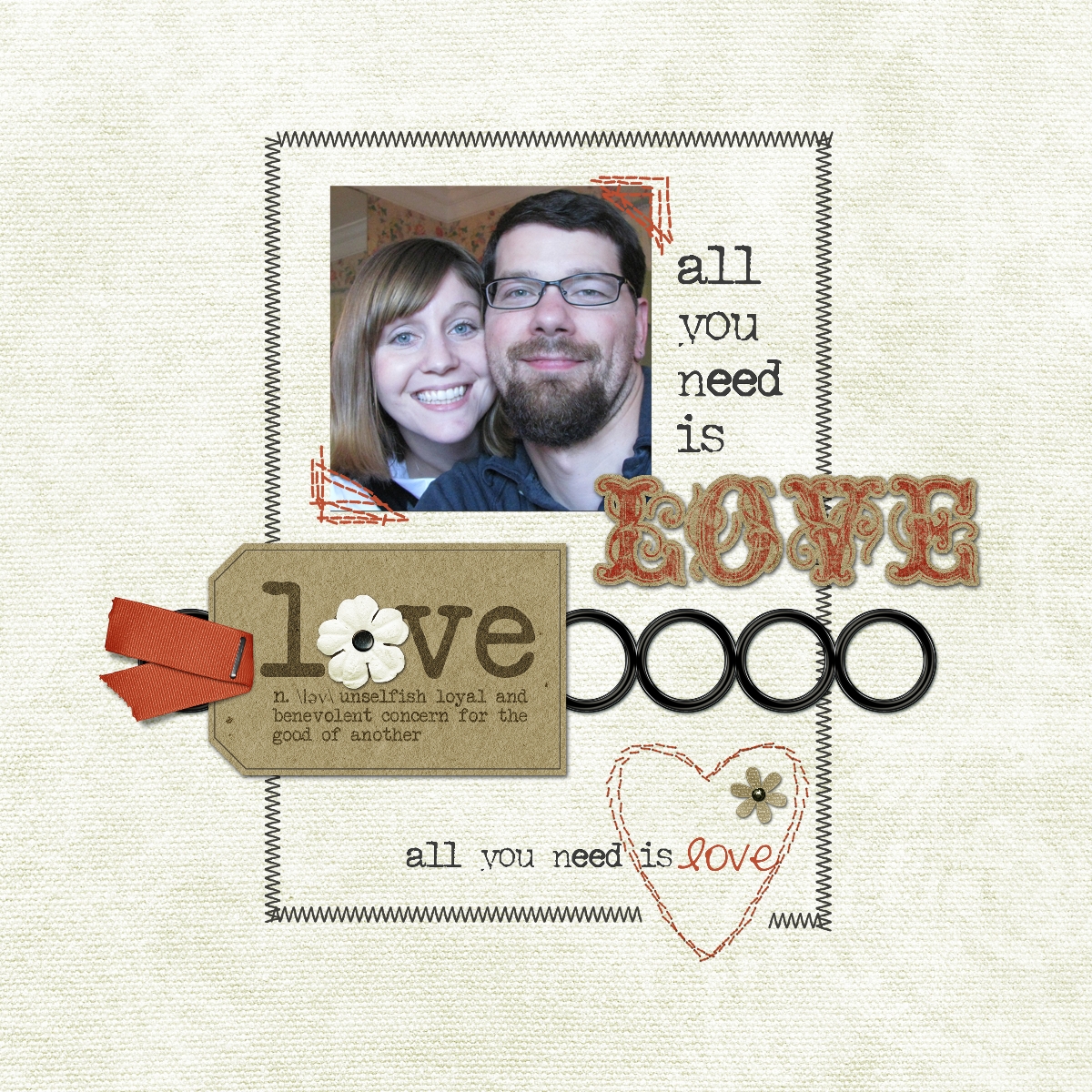
All You Need is Love
Anyway, first up was a page that pays homage to our epic journey driving from Calgary to Indiana last month when we moved back home. I used Little Boy Blue by Joanne Bain Designs. (Pictured above.) I really felt like the photo of Oliver and Winston peeking their heads out of the Neon with the UHAUL trailer behind captured the trip. The second page was a quick page called All You Need by Krystal Hartley. Because really, all you need is love, and I’m the luckiest girl in all the world to have the love of that handsome man right there in the photo. Aren’t we cute? ;)
Coming up soon is my sister-in-law’s baby shower that I’m hosting, and I’d love to turn the embellishment I created when designing the invitations into a digital scrapbook quick page layout or mini freebie set to give away. I just wish there was more time in the day! I’ve got two weeks to go, and I’ve still got to design and sew a diaper bag for her, too. A few weeks back we went shopping for fabric and she picked out some adorable quilted fabric and described the type of bag she’s looking for. Now it’s just a matter of sitting down and pulling it all together, which sounds easy but I swear time just seems to get by me. I’ll keep you posted and show off some pics as I get going on it.
So that’s it for now! To do list: work on and finish schnauzer sweater, make a little mini kit or quick page of the little boy car embellishment from the baby shower invites, and design and sew a diaper bag! No problem, right? ;) See you soon!
P.s. If you’d like to purchase My Memories Suite at 25% off of the original price, let me help you! And don’t forget to check out all of the My Memories Suite tutorials I’ve created to help you get the most out of the software.
The Hat that Turned into a Dog Sweater
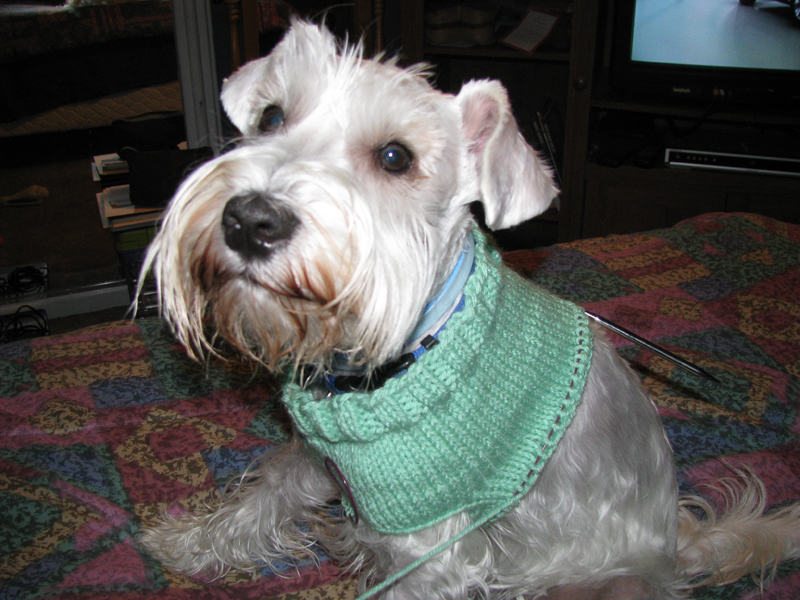
A hat turns Schnauzer Schweater
So while I’ve been less than post-y lately, there have been a few little projects being snuck in between all of this job search madness. I am officially teaching 2nd grade starting tomorrow (covering an extended mat leave) and I’m happy to start being productive, teaching kids again, and reeling in a little cash for my family. The whole unemployed status sucks, and it was starting to get to me. Hopefully this position will keep me busy for awhile and there will be some other prospects on the horizon when it’s finished. We’ll see!
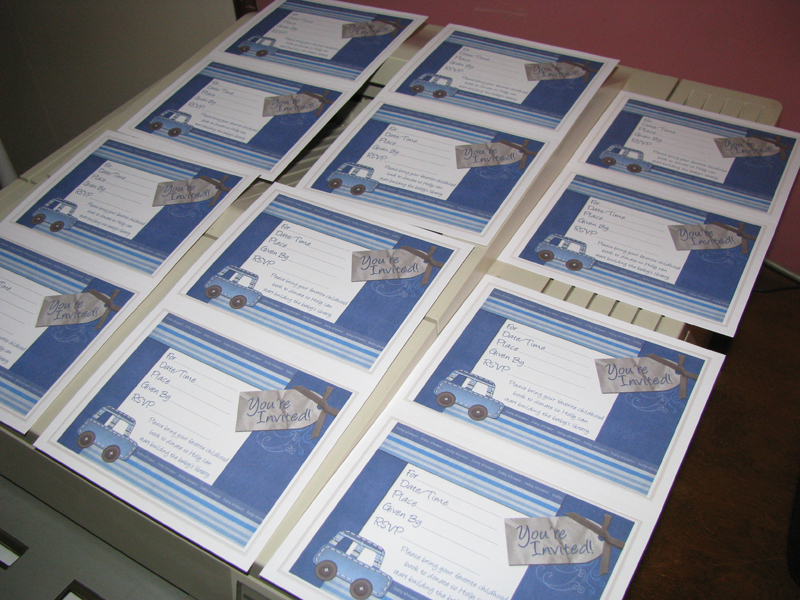
my invites ready to be filled out
So I spoke of a few little projects, and the first of these is designing the invitations for my sister-in-law’s upcoming baby shower that I’m hosting. Well, hosting at my parents’ house. I’m delighted to have the honor of getting to throw her shower and I just didn’t like any of the pre-packaged baby shower invites out there. The obvious solution was to make my own. I went to Michaels and purchased a set of blank print-your-own cards to work with. The ones I chose come in sheets of two per page and are around 8.5″ x 5.5″; ideally meant as RSVP card inserts in a wedding invite but turned into fabulous baby shower invites instead. My inspiration came from a birthday card layout by Laurie’s Scraps and I designed the stitched car embellishment and tag for it myself. I may have to do a little mini kit to give away the car embellishment later. It was fun to make! Holly loves the invites and they were mailed out today. Here it is close up:
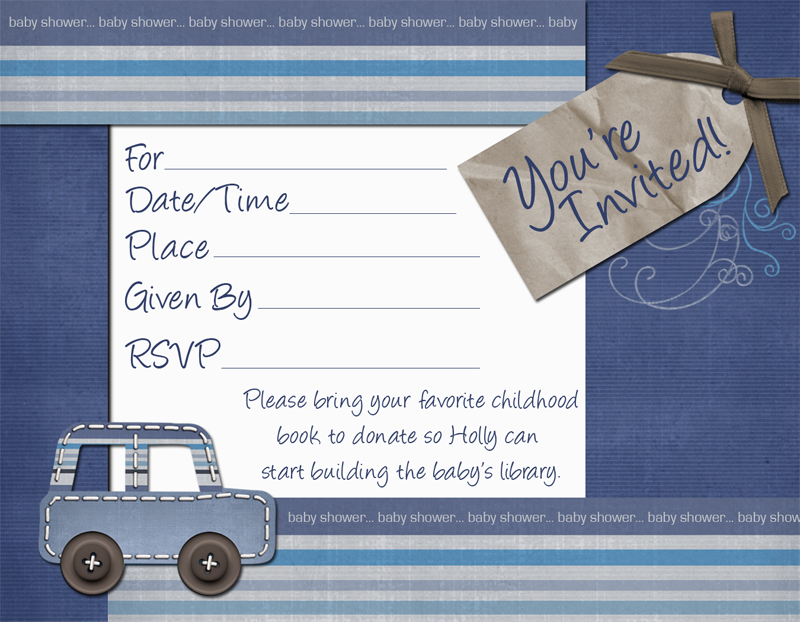
The baby shower invites I designed for my sister-in-law
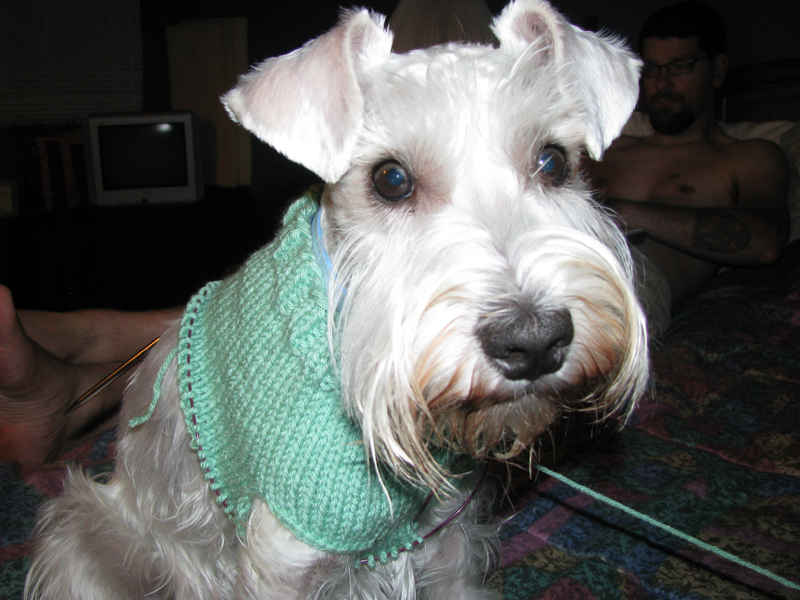
My Schnauzer Schweater!
And now on to the topic project: the hat that turned into a dog sweater. I was feeling a little stressed out with all of the employment searching these past few weeks, and a little bummed when I applied to so many places and got so few calls back. Nothing seemed to be promising and I knew I just needed to knit a little something to keep me sane while waiting by the phone for decisions and callbacks. I thought that a plain vanilla newborn baby hat with a ribbed cuff would be the perfect simple, soothing knit. Except I didn’t gauge properly and somehow after doing the ribbing and starting the stockinette I realized that the hat would actually fit my head… not a good sign when the hat size is supposed to be sized for a brand new baby. *sigh* Jokingly I put the hat around our schnauzer, Winston’s neck, and suddenly the ribbing looked like the perfect turtleneck and the hat began to look more like a sweater. A schnauzer schweater, as I like to call it. So too-big baby hat has officially turned into a schnauzer schweater. Say it with me now, schnauzer schweater! This time with emphasis… SCHnauzer SCHweater! The real test is if you can say it five times fast. Ok I’m done, but it would be a great tongue twister, don’tcha think?
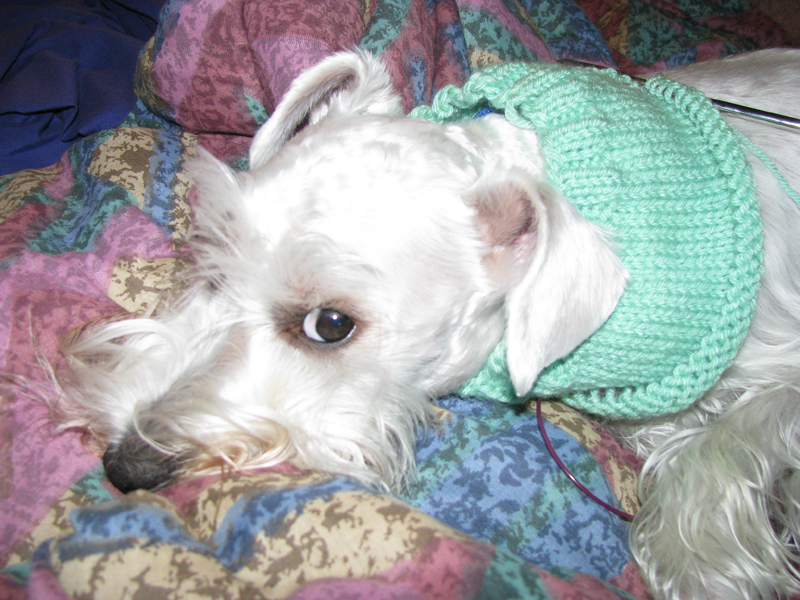
Enough pictures already.
So I’m sorta making this pattern up as I go along — I cannot guarantee that it won’t turn into an epic failure but I’ll be sure to keep you posted, and if it turns out halfway decent maybe I’ll even post it here for all to try! Don’t hold your breath, though, little Winston looks less than enthusiastic about the prospect. I’ve decided that no matter how the schweater turns out, it’s at least exactly what I was looking for — something very plain and repetitive. I’ve been trying it on Winston as I go and while it works, I know if I did this again I’d make a few changes. All a part of the creative process, I think, and this process is fulfilling my needs at the moment.